lunedì 13 gennaio 2014

WPDev Fusion - A new wp community


After the great success of Windows Phone Week from last october, a new evolution is born:
WPDev Fusion the Windows Phone community with the best MVPs in the world.


If you like mobile development or Windows Phone, this is the event for you!

The first event is scheduled on 22nd january. It is free and online:
https://wpdevfusion.eventday.com/

The sessions are:
I'm very curious to attend the session of the "queen" Ginny :)

[UPDATE]
Recording, slides and samples

sabato 4 gennaio 2014

Windows Phone 8 - Folders and files


Windows Phone 8 introduced the ApplicationData class to easily work with IsolatedStorage and async/await keywords.

In Windows Phone currently it is possible to use only LocalFolder because RoamingStorage and TemporaryStorage throw the NotSupportedException.

However, all the operations can be done with a few lines.

How to use folders

Create folder

StorageFolder folder = await ApplicationData.Current.LocalFolder.CreateFolderAsync("myFolder", CreationCollisionOption.ReplaceExisting);


Read folder

var folder = await ApplicationData.Current.LocalFolder.GetFolderAsync("myFolder");


Check if folder exists

StorageFolder folder;
try
{
    folder = await ApplicationData.Current.LocalFolder.GetFolderAsync("myFolder");
    MessageBox.Show(folder.Name);
}
catch (FileNotFoundException ex)
{
    MessageBox.Show("Folder not found");
}


Read all folders

var folders = await ApplicationData.Current.LocalFolder.GetFoldersAsync();
foreach (var folder in folders)
    MessageBox.Show(folder.Name);


Rename folder

var folder = await ApplicationData.Current.LocalFolder.GetFolderAsync("myFolder");
await folder.RenameAsync("myRenamedFolder");


Delete folder

var folder = await ApplicationData.Current.LocalFolder.GetFolderAsync("myFolder");
await folder.DeleteAsync(StorageDeleteOption.PermanentDelete);


How to use files

Create file

var file = await ApplicationData.Current.LocalFolder.CreateFileAsync("myFile.txt", CreationCollisionOption.ReplaceExisting);


Read all files

var files = await ApplicationData.Current.LocalFolder.GetFilesAsync();
foreach (var file in files)
    MessageBox.Show(file.Name);


Check if file exists

StorageFile file;
try
{
    file = await ApplicationData.Current.LocalFolder.GetFileAsync("myFile.txt");
    MessageBox.Show(file.Name);
}
catch (FileNotFoundException ex)
{
    MessageBox.Show("file not found");
}

Write file

var file = await ApplicationData.Current.LocalFolder.CreateFileAsync("myFile.txt", CreationCollisionOption.ReplaceExisting);
var stream = await file.OpenAsync(FileAccessMode.ReadWrite);
using (var writer = new DataWriter(stream.GetOutputStreamAt(0)))
{
    writer.WriteString("Hello");
    await writer.StoreAsync();
    await writer.FlushAsync();
}


Read file

var file = await ApplicationData.Current.LocalFolder.GetFileAsync("myFile.txt");
var stream = await file.OpenAsync(FileAccessMode.Read);
 
using (var reader = new DataReader(stream.GetInputStreamAt(0)))
{
    var bytes = await reader.LoadAsync((uint)stream.Size);
    var s = reader.ReadString(bytes);
    MessageBox.Show(s);
}


Rename file

var file = await ApplicationData.Current.LocalFolder.GetFileAsync("myFile.txt");
await file.RenameAsync("myFileRenamed.txt");


Delete file

var file = await ApplicationData.Current.LocalFolder.GetFileAsync("myFile.txt");
await file.DeleteAsync(StorageDeleteOption.PermanentDelete);


Copy file

var file = await ApplicationData.Current.LocalFolder.GetFileAsync("myFile.txt");
var folder = await ApplicationData.Current.LocalFolder.GetFolderAsync("myFolder");
await file.CopyAsync(folder);


Move file

var file = await ApplicationData.Current.LocalFolder.GetFileAsync("myFile.txt");
var folder = await ApplicationData.Current.LocalFolder.GetFolderAsync("myFolder");
await file.MoveAsync(folder);

The sample project

You can download the sample project here.


The original post is in the Microsoft TechNet Wiki

Mokapp 2013 - Thanks


Yes, we are in 2014.. and I'm really sorry for delay..

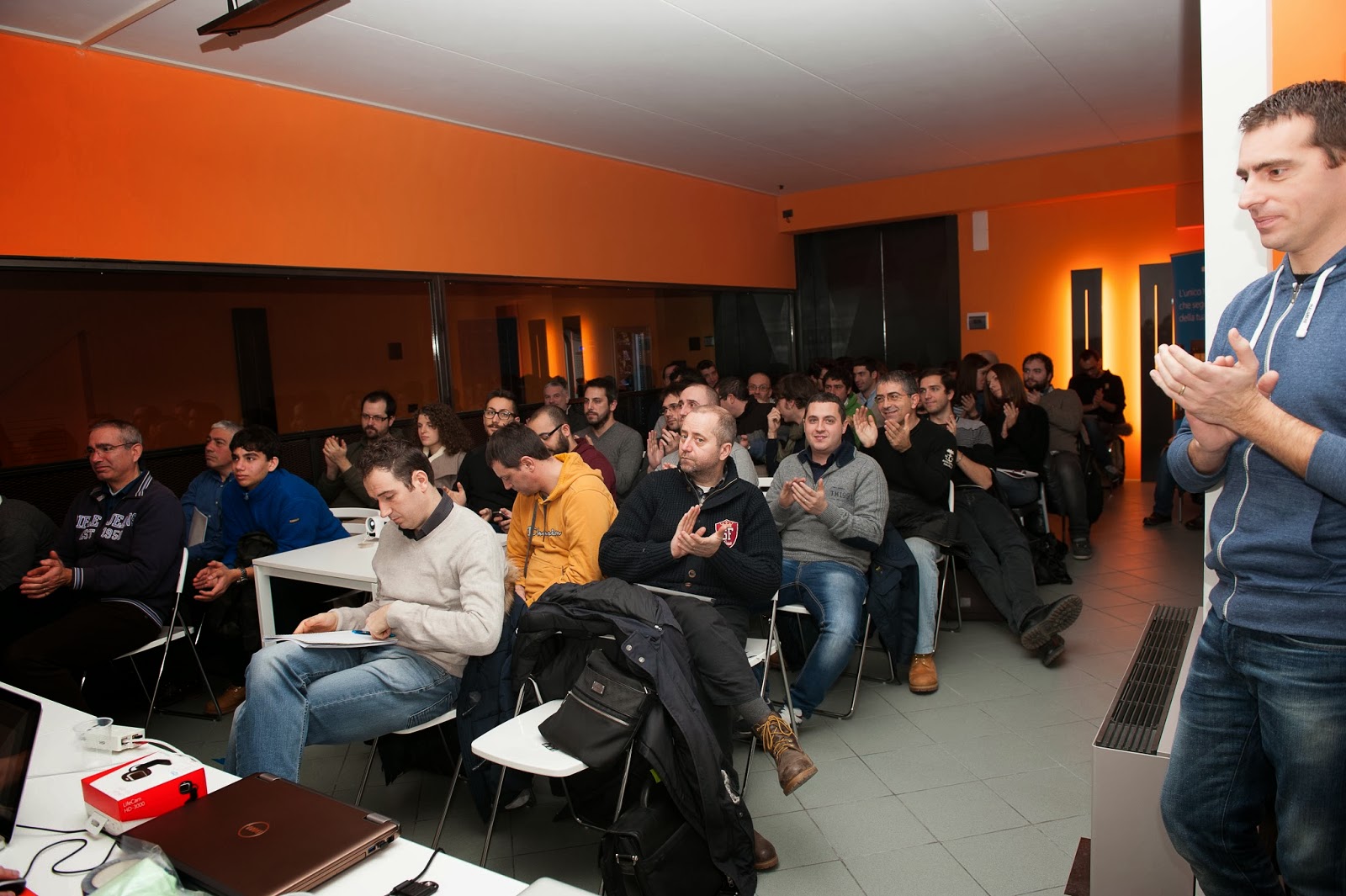
I want to thank all those who attended the Mokapp 2013 event.
A great day with great people.

Thanks to our sponsors and speakers.
And a special thanks to Syncfusion who gave free licenses to the new Windows Phone developers.


Demo and slides are online:
  • iOS7 - Multitasking e Dynamics - Daniele Galiotto - slide & demo
  • WP8 - Storage - Tiziano Cacioppolini - slide & demo
  • Android - Sviluppare con MVVM - Lorenzo Maiorfi - slide & demo
  • iOS7 - iBeacons e le novità di BLE - Francesco Novelli - slide & demo
  • WP8 - Imaging, applicazioni fotografiche - Fabrizio Bernabei - slide & demo
  • iOS7 WP8 Android - Side-by-side, sviluppo crossplatform - demo
See you at the next event! :D


sabato 30 novembre 2013

XMAS TIME - Get a Lumia 925 for free


Do you want a Lumia 925 for Christmas?
Thanks to DVLUP you can get it easy :)

Check the new xmas challenge!
You just need to create 3 new applications for Windows Phone 8 and 3 new apps for Windows 8.
When you reach 4 apps (2 wp8 + 2 win8) you get 800XP to spend in rewards.

You don't have the DVLUP account?  Just register from this link.

The submission ends the 24th december.
And if you register to dvlup from my link, I can get 500xp too.
Merry Xmas :D

sabato 16 novembre 2013

[ITA] Dal 920 al Lumia 1020


Che dire... Il Lumia 1020 subentra di prepotenza con il suo colore giallo.

La prima impressione è sicuramente molto positiva, non solo per l'impatto visivo, ma anche per la maneggevolezza. Quei 30 grammi in meno rispetto al 920 fanno la differenza. Sfortunatamente per chi è abituato alla ricarica wireless, dovrà comprare una cover apposita o rinunciarci per sempre.

Lo schermo è passato da LCD ad AMOLED: la qualità si nota considerevolmente, specialmente nella profondità dei neri. Il vetro passa da Gorila Glass 2 a Gorilla Glass 3, e come succedeva già prima, alla minima rigatura, puoi passarci la mano sopra per farlo tornare come nuovo.
L'amoled riesce a valorizzare ancora di più la funzionalità Glance (l'orologio che comprare a telefono bloccato), che adesso è nettamente più definita e visibile anche a diverse angolazioni.

Sul retro del dispositivo alloggia l'imponente fotocamera che occupa una buona parte della superficie, ma che enfatizza l'entità dei 41 megapixel. Sfortunatamente la fotocamera sporge e fa si che il telefono non tocchi interamente sul piano di appoggio. Dall'altro lato però, è molto più semplice visualizzare l'ora senza avvicinarsi al telefono.

QUARANTUNO megapixel!! Ogni foto viene scattata sia con risoluzione normale da 5mp sia a 41mp. La prima viene utilizzata per tutte le attività del telefono e per la condivisione nei social network, l'altra può essere visualizzata dal pc o con applicazioni apposite.
La luminosità e la precisione del sensore sono di alto livello ed in abbinamento con l'applicazione Nokia Camera, sembra di avere tra le mani una reflex. Il tutto viene amplificato dal Camera Grip, un accessorio che trasforma il telefono in una compatta con batteria ausiliaria e la possibilità di utilizzare il device con un cavalletto. Il Camera Grip offre molti vantaggi, ma ha anche un difetto: anche se molto resistente, per toglierlo bisogna forzare parecchio e quindi si ha sempre l'impressione di romperlo.
Il 920 dava il meglio di sé con le foto in notturna, ma sono rimasto meravigliato dalla qualità che sono riusciti a raggiungere con il 1020. Il flash è tre volte più grande e potente del precedente e viene affiancato dalla lampada della messa a fuoco.
Posso quindi affermare che questo device regna sovrano nel reparto fotografico, specialmente se paragonato ai vari concorrenti.

Il sistema operativo è sempre Windows Phone 8, ma stavolta accompagnato da un hardware con 2gb di memoria. Veloce, scattante ed esente dai problemi di lag che hanno i device android e ultimamente gli iPhone con iOS7.

L'autonomia è paragonabile a quella del 920 e monta sempre una batteria da 2000mAh. Sinceramente la mia impressione è che duri di più rispetto a prima, ma non voglio fare un paragone per il fatto che il 920 ha già più di un anno di età.

Posso concludere affermando che il passaggio dal 920 al 1020 è nettamente positivo, anche se avrei preferito mantenere la ricarica wireless e magari il colore azzurro :)

A questo link trovate alcune foto di prova.

martedì 12 novembre 2013

Syncfusion TileView - Windows Phone


I found a nice Windows Phone control in the Syncfusion suite: the TileView.
That control has the ability to show a collection of items but one can be maximized to display more informations.


The code is very simple, so let's start to explain the wp8 version!

First of all you need to reference two dll in your project:
  1.  Syncfusion.SfTileView.WP8.dll
  2.  Syncfusion.SfShared.WP8.dll
In the xaml, add the namespace:
xmlns:syncTileView="clr-namespace:Syncfusion.WP.Controls.Layout;assembly=Syncfusion.SfTileView.WP8"

and your TileView object:
<syncTileView:SfTileView ItemsSource="{Binding ComingSoonFilms}" MinimizedItemsOrientation="Right">
   ....
   ....
   ....
</syncTileView:SfTileView>
"MinimizedItemsOrientation property change the orientation of items while the maximized item is displayed"

Now you need the ItemTemplate to show your items and a MaximizedItemTemplate to show the detail.
You can create a simple ItemTemplate with an image:
<syncTileView:SfTileView.ItemTemplate>
 <DataTemplate>
  <Image Source="{Binding Picture}" Width="100" Height="160" Stretch="Fill"/>
 </DataTemplate>
</syncTileView:SfTileView.ItemTemplate>

and a MaximizedItemTemplate like this:
<syncTileView:SfTileView.MaximizedItemTemplate>
 <DataTemplate>
  <Grid>
   <Grid.RowDefinitions>
    <RowDefinition Height="auto"/>
    <RowDefinition/>
   </Grid.RowDefinitions>
   <TextBlock Text="{Binding Title}" Style="{StaticResource PhoneTextLargeStyle}"/>
   <Image Grid.Row="1" Source="{Binding Picture}" Stretch="UniformToFill"/>
  </Grid>
 </DataTemplate>
</syncTileView:SfTileView.MaximizedItemTemplate>

martedì 1 ottobre 2013

DVLUP - Support ALL Windows Phone 8 screen resolutions


The DVLUP is web-based community and rewards program for Windows Phone app developers.
The developers can complete challenges to get points and then get prizes.

Very nice! But...
what is the challenge requirement "Support ALL Windows Phone 8 screen resolutions"?

It creates a lot of confusion to devs:
  • It needs a wp8 app?
  • I can submit a wp7 app?
  • My app needs both xap versions?
  • I need multiple splashscreen?
  • The app needs icons and tiles with high resolution?

The answer from DVLUP team:

"The challenge requirement to support all Windows Phone 8 screen resolutions is to cover the different screen sizes on the different Lumia phones (HD720P (720x1280), WVGA (480x800) and WXGA (768x1280)).
 A Windows Phone 7 app may run in these resolutions but be scaled and not use the entire screen. The challenge requirement as that the app use the full screen without scaling or cropping."